🎙 Voice Chat
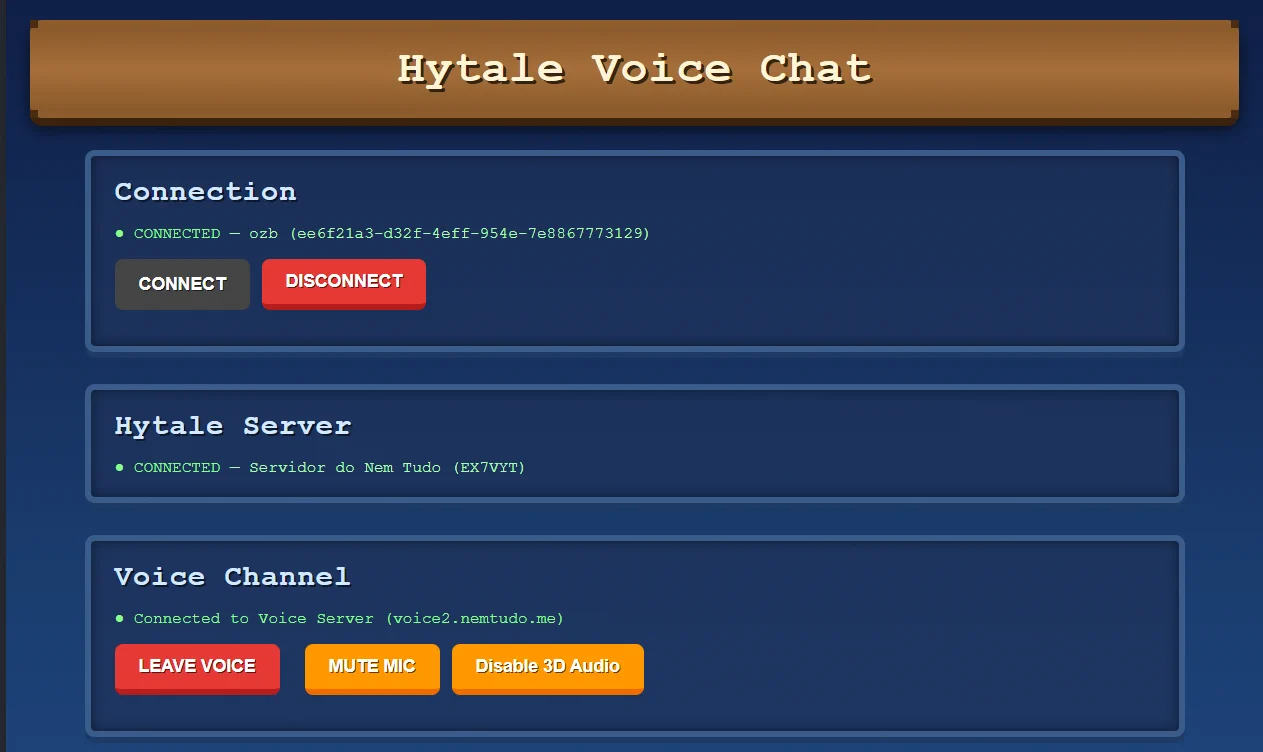
The first proximity-based voice chat for Hytale! Get close to players and start communicating with your voice in real-time.
Features:
- Players don’t need to install ANYTHING extra! Absolutely NOTHING!
- Players can talk via voice chat when they get close to each other
- Audio is 3D! You hear the player from the direction they are speaking from
- Individual volume control / mute per player
- All audio, website, and processing are handled by the MOD’s servers, not overloading the Hytale server
- Advanced permission controls
Coming in next versions (In development):
- Music blocks (players get close and hear a custom sound)
- Broadcast (admins can talk to everyone at the same time)
- Banning (admins can ban someone from the voice chat)
- In-game voice controls
- WEB Admin dashboard
- And muuuch more! 🚀
Feel free to give suggestions, ask for support, and PLEASE report every bug you find! ALL of them WILL be fixed!
🚀 How to Use
For Players
- Join a server with the mod installed
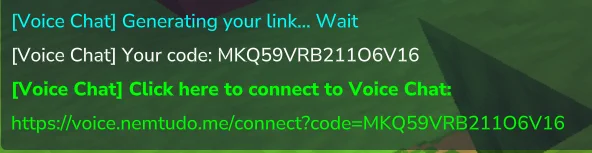
- Run the command:
/voicechat - Click the link you receive
- Click in Connect in the opened page
- Keep the voice chat window open in the background
- Talk to nearby players! 🎉
- You only need to connect once to use Voice Chat on any server you join!
Manual Access
The generated link contains a Code. You can manually access:
https://hytaleweb.nemtudo.me/voicechat/connect
And enter the code yourself.
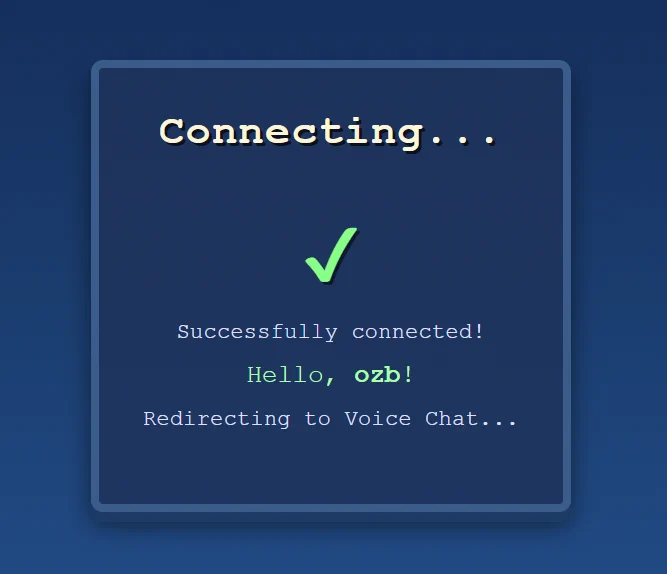
Once you connect your browser to your player, the link will always be voice.nemtudo.me and you can access it without using commands.
🌎 You can test now!
- Join in hytale.nemtudo.me server, execute /voicechat and test :)
💡 Tips
- 📱 No PC microphone? Open the website on your mobile device, it works the same way!
- ⚠️ Security warning: Anyone with your
codecan access voice chat as you. Keep it private!
🔧 For Server Admins
Installation
- Download
VoiceChat.jar - Place it in your server's
/modsfolder - Restart the server to generate the
NemTudo_VoiceChatfolder with configuration files
Configuration
To activate the plugin, you need to register your server and obtain credentials:
#### Step-by-step:
- Visit: https://hytaleweb.nemtudo.me/addserver
- Enter your server name and server IP
- Click "Register Server"
- Copy the generated credentials:
Server IdServer Token
- Paste these credentials into
VoiceChat.jsonlocated in themods/NemTudo_VoiceChatfolder - Run the command:
/voicechat reloadto reload the configuration - Done! Voice chat is now active on your server! ✅
📋 Quick Reference
| Command | Description |
|---|---|
| <code>/voicechat</code> | Get your voice chat access link |
| <code>/voicechat connect</code> | Generate a link with code to connect in a new browser |
| <code>/voicechat reload</code> | Reload configuration (admin only) |
Note: This mod is still in early development. Features, stability, and documentation will improve over time. Discord: https://discord.gg/nemtudo
1
Favorites
23
Downloads
0 Comments